
37 CFR 1.84(g)
Annota · drawings
CAD in. Patent-compliant drawings out — faster.
From the inventor’s CAD to figures you can file, plus chemical structures. You place and check the numerals. It does not file.
Cloud on AWS or Google Cloud. Or Annota on a PC or laptop with Ollama or Lemonade.
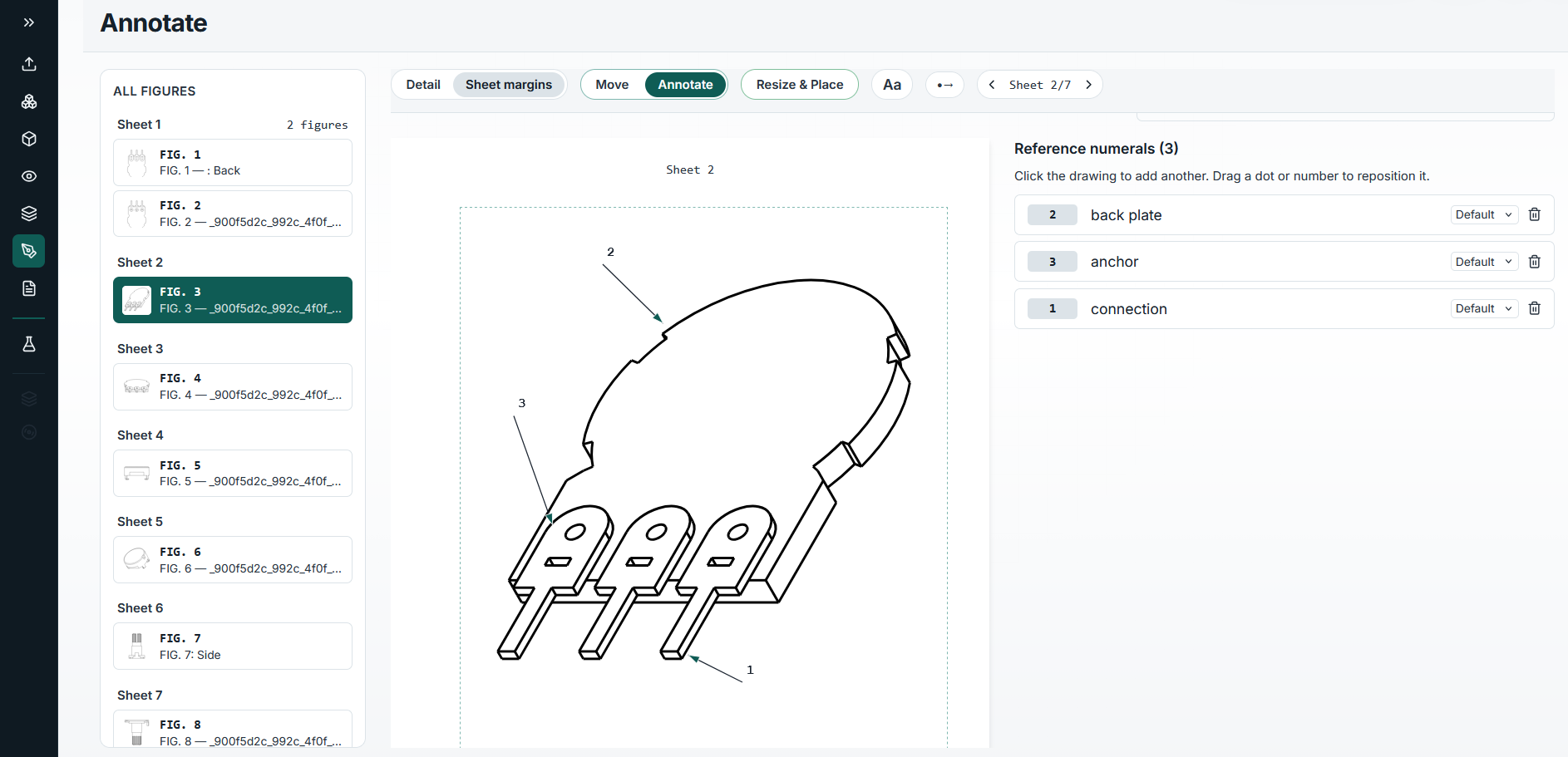
CAD to filed figure
The views, the sheets, the structures.
Pick a step to see it.
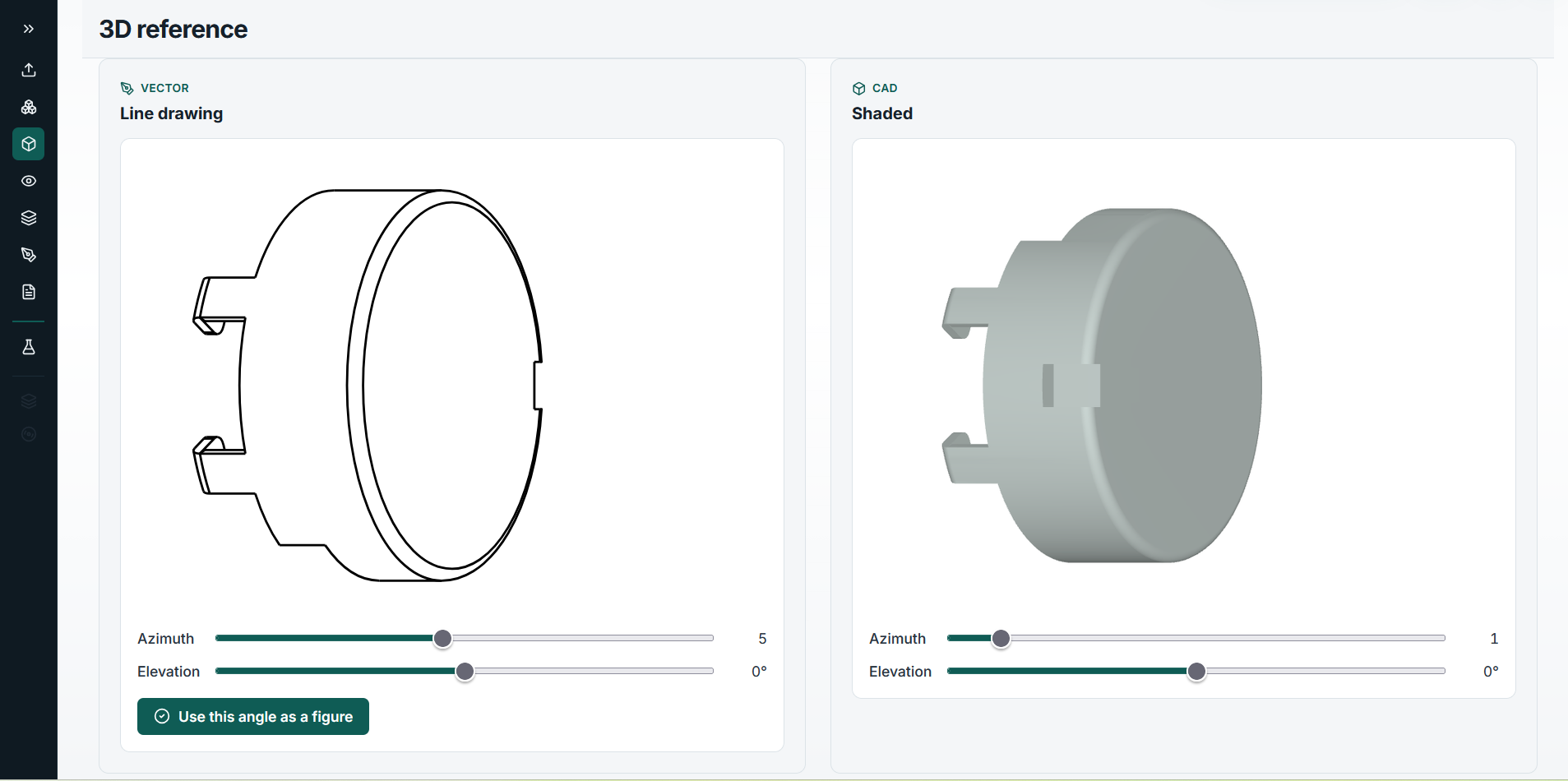
Upload STEP, IGES, STL, or FreeCAD files. Multi-part files list every part. Rotate the line drawing and the shaded model side by side, then use the angle you want as a figure.
- STEP · IGES · STL · FCStd
- Line and shaded views
- Any angle becomes a figure
USPTO drawing rules
Built to the rule, without the rule getting in the way.
Annota follows the drawing standards and leaves the judgment to you.
2 · 3 · 1
FIG. 3
Where it runs
Cloud, or Annota on the desk.
Run Annota in the cloud on AWS or Google Cloud, or on a consumer PC or laptop with Ollama or Lemonade. Unlimited local use. The CAD can stay on the premises.
Also in Novi